Self-Hosting Doesn't Remove the Bill. It Moves It.
Cap is an open-source Loom alternative you can self-host. That's a real feature, but 'open source' and 'cheap' aren't the same thing once a tool becomes infrastructure. This is where the cost actually goes.
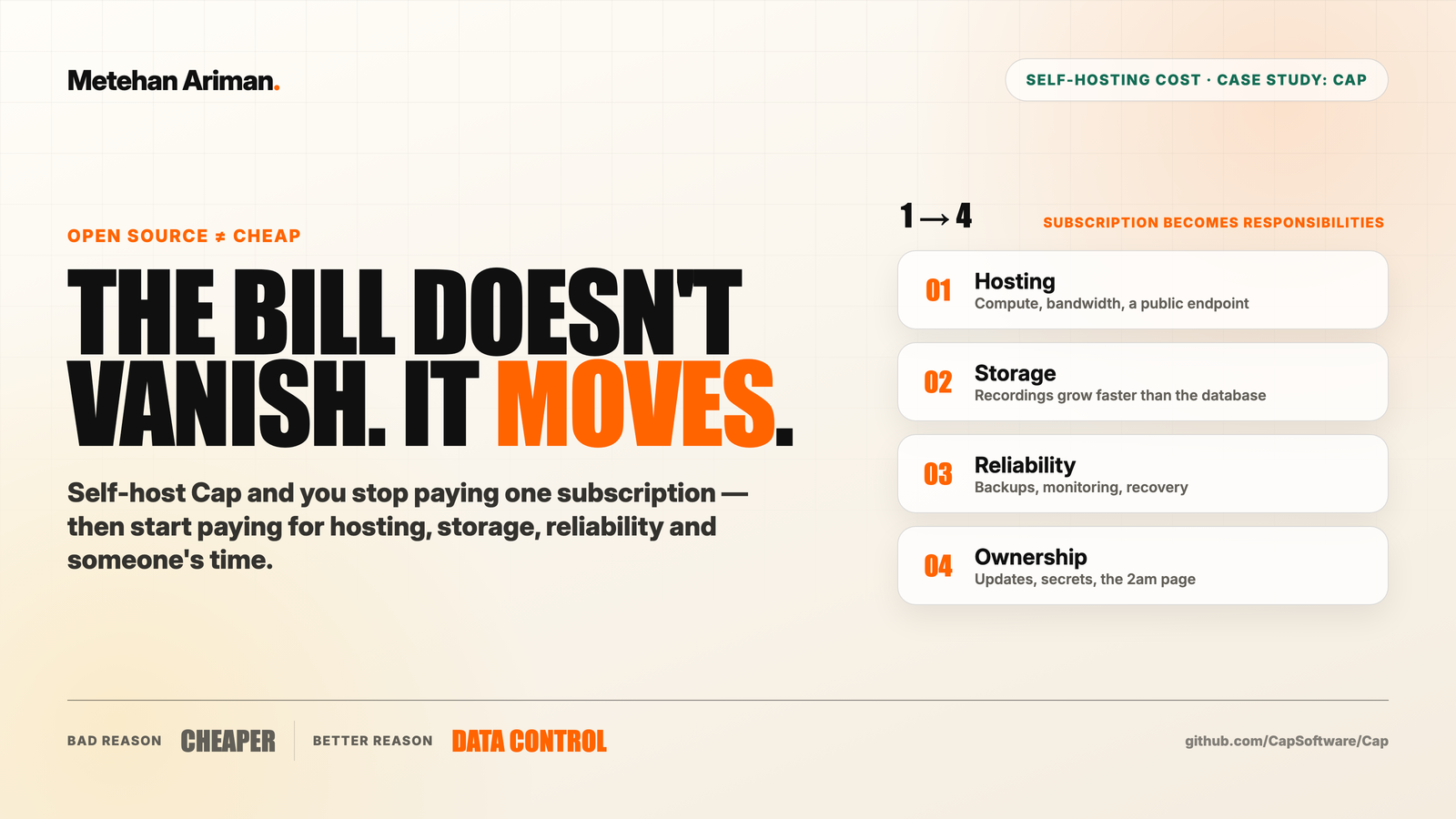
Self-hosting doesn’t remove the bill. It moves it.
You stop paying one subscription and start paying for hosting, storage, backups, updates, monitoring, and someone’s time. That can still be the right trade. But it’s a different bill, not a smaller one. And the moment you treat “open source” as a synonym for “cheap,” you’ve picked the wrong reason to do it.
I’m using Cap as the case study because it’s a clean one. It’s an MIT-licensed, open-source screen recorder positioned as a Loom alternative, and it offers several levels of control instead of forcing one path. Let me be precise about what this is: I reviewed the repository and the self-hosting docs for this breakdown. I have not run Cap in production. So read this as a map of where the costs live, not a hosting quote.
The one-line install is not a production system
Cap’s README starts the web stack with a single Docker Compose command:
docker compose up -dThat command starts the software. It does not create backups, monitoring, recovery, or an owner for the system. Read a little further in the same guide and it asks you for real secrets, SSL, email configuration, and storage setup. Those are the things that turn “it runs on my machine” into “it runs for my team.”
This is the first trap, and it isn’t specific to Cap. Almost every self-hostable tool ships a five-minute quickstart that gets you to a running instance, then quietly assumes you’ll handle the other 95% of what production means. Running is not the same as production-ready.
Where the bill actually moves
When you cancel the subscription, the cost doesn’t disappear. It splits into four smaller bills. Some are paid with money. The expensive one is usually paid with time.
- Hosting. Compute, bandwidth, and a public endpoint that stays up.
- Storage. Recordings grow faster than the application database. Video is heavy, and it accumulates.
- Reliability. Backups, monitoring, and a recovery plan for when something fails, because it will.
- Ownership. Someone updates the software, rotates the secrets, and gets paged when it breaks at 2am.
One subscription becomes four responsibilities. The first three show up on an invoice somewhere. The fourth, ownership, is the one teams underestimate. It has no line item until an incident forces you to give it one.
The real reason to self-host is data, not money
This is where Cap is useful as an example. It exposes a range of control, and that range is the actual decision:
- Hosted cloud is the least control. The provider operates the full service.
- Your own storage bucket keeps the application hosted, but the files land in storage you own.
- Local export keeps the recording outside any hosted library.
- Full self-host is the most responsibility. You operate the application and everything supporting it.
Move left to right and you trade convenience for control. That’s the honest framing, and it points at the real reason to take on the extra work: data control, not saving money.
If your recordings contain customer calls, source code, or internal systems, keeping those files inside infrastructure you own is a defensible reason to self-host, sometimes a required one. “It’s cheaper” almost never survives contact with the true operating cost. “We can’t send this footage to a third party” survives just fine.
Four questions before you deploy
Before you stand anything up, answer these. If the answers are vague, the self-hosted version isn’t ready to become infrastructure yet.
- How sensitive is the data? Control matters more when recordings include customers, source code, or internal systems.
- Who owns uptime? Name the actual person who updates, monitors, and restores the service. Not a team. A person.
- What’s the recovery time? Know how long the workflow can be down before it hurts.
- Is control worth the time? Compare operations time, not just the monthly invoice.
If ownership, recovery, or data sensitivity is unclear, stay hosted for now. You can always move later. It’s much harder to rebuild trust after a self-hosted instance quietly loses a week of recordings because nobody owned the backups.
The decision rule
Self-host when the data needs tighter control, you already operate infrastructure, custom storage or domains matter, and the workflow is important enough to own.
Stay hosted when the tool is low-risk, no one owns operations, fast setup matters more than control, and downtime would stop the team.
The useful thing about Cap isn’t that another Loom alternative exists. It’s that it lays the whole spectrum out, from hosted cloud to your bucket to local files to full self-host, and makes you choose deliberately instead of drifting into ownership just because a repo was public.
So don’t self-host to save a subscription. Self-host to control the data.
For your team, what kind of data would make the extra maintenance worth it?