Why Five AI Agents Are Cleaner Than One
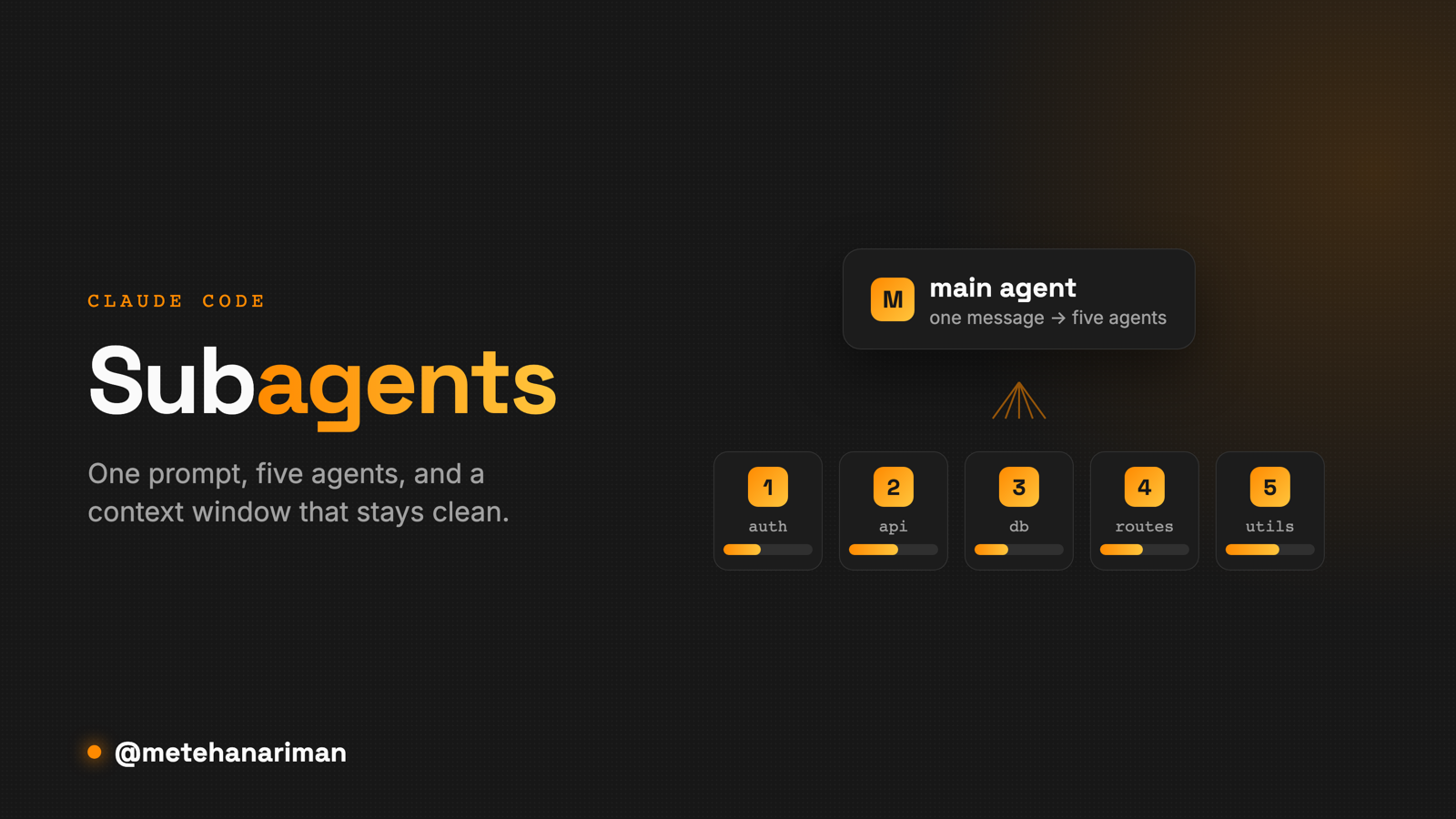
One agent reads a big codebase file by file and fills its own context window with everything it opens. A subagent does the same search in a separate context and gives back only the answer, which is why you can run five at once and keep your main session clean.
I hit this every time I point a coding agent at a big repo. I ask it to find every place we call some API, and it just starts opening files, one after another. On a small project you don’t notice. On a large one you watch it crawl, and by the time it answers, half its memory is full of files it read once and didn’t need.
The fix is subagents. What surprised me is why they help. I assumed the point was running things in parallel. The bigger reason turned out to be the context window.
One agent, one context window
An agent carries one context window through a task. That’s its working memory, and everything it reads lands in it: the files, the search hits, the matches it opened and threw away. The window is finite, and it doesn’t rank anything. The two lines that mattered and the four hundred that didn’t take up the same kind of space.
Point that one agent at a broad search and you get two problems for the price of one. It reads sequentially, because it’s a single worker going file by file. And it fills its own memory with everything it looked at, so it’s slower and a little dumber on whatever you ask next.
What a subagent actually is
A subagent is a second agent with its own context window. The main agent doesn’t do the search itself. It hands the job off, something like “go find every API call,” and the subagent goes and does it somewhere else.
What matters is what comes back. The subagent opens its forty files, works through them in its own memory, and returns the answer: the list of call sites, not the forty files. Your main agent never sees any of that. Its context is about as clean after the search as it was before. The cost of the search stays off your main thread.
The isolation is the point
Parallelism gets the attention, and I’ll come back to it. The isolation is the part that changed how my longer sessions feel.
A normal session gets worse the longer it runs. Everything the agent reads leaves something behind in the context, and a full context makes for a slower, vaguer agent. I think that’s half the reason people quietly restart their agent partway through a task. It has filled up with stuff that stopped being relevant twenty minutes ago.
Subagents put that mess somewhere disposable. The noisy work happens in a context you’re going to throw away, and the main thread only gets the short version back. I can run ten searches through subagents and my main agent ends up holding ten short answers instead of ten piles of raw files.
Fan-out: five in one message
Once the work is isolated, running it in parallel costs you nothing. Ask for five subagents in one message and they go at the same time, each in its own context.
That’s where the speed everyone talks about comes from. One subagent on auth, one on the API layer, one on the database calls, one on routing, one on utils, all searching their own slice at once. Five separate contexts, five clean answers landing back together. The long sequential crawl turns into a few parallel jobs that finish around the same time.
How to actually use them
You don’t have to set anything up to start. In Claude Code the simplest version is to ask for it:
use subagents to find every place we call the payments API, in parallel
Claude spins them up, runs them, and folds the results back into the main thread. For a lot of what I do day to day (broad searches, “map this part of the codebase for me,” anything that would otherwise be a slow sweep) that one sentence is the whole thing.
When you want the same subagent again and again, you turn it into a named agent. In Claude Code they live in .claude/agents/ as small markdown files with a description and, if you want, a limited tool set:
---
name: api-auditor
description: Finds and lists every external API call site in the repo. Use for audits and dependency reviews.
tools: Read, Grep, Glob
---

You are an API-call auditor. Search the repository for every outbound API
call, group them by service, and return a flat list of file:line locations.
Do not edit anything.
After that, the main agent can pick it up on its own when a task matches the description, or you can call it by name. /agents lists what you have and walks you through making new ones. I’d bother with the narrow tool set (read-only, in that example). It makes the agent’s job obvious and keeps it from wandering off and editing things.
When not to reach for one
Subagents aren’t free, and there are jobs they’re wrong for.
They work when the task stands on its own: you can hand it off, it doesn’t need to check back with you, and the result makes sense by itself. Searches, audits, “read all of this and tell me what’s in it,” a batch of independent edits. That kind of thing.
They get in the way when the work needs shared state or a lot of back and forth. If I’m reworking one function and I want to see each step, handing it to a subagent hides the exact reasoning I wanted to follow. And for anything small, spinning up a separate context isn’t worth the trouble. The main agent can just do it.
The line I draw is simple. If the work is big enough to clog my context and independent enough to run on its own, it goes to a subagent. If not, it stays on the main thread.
I resisted this for a while because it felt like overkill. It isn’t. On a big repo it’s the difference between an agent that stays sharp for an hour and one I have to restart every twenty minutes.